DesignOps · Workflow
Optimizing the team's Figma architecture and technical handoff.
The challenge
Our Figma was organized by squads (Cafeína Team, Dulcito de Coco, Feeling Box...), but the product had grown and designers were constantly collaborating across different squads.
The result: user stories documented in the wrong files. A story from the Cafeína Team squad ended up in another squad's file simply because the person who executed it belonged to a different team — and finding it later became tedious.
This wasn't just clutter: it cost us speed and discoverability in the design team's day-to-day work.
Project summary.
Role
Design Ops Lead
Tools
Figma · Jira
Duration
3 months
Teams involved
Design · Development · Product Owner
Scope
Complete reorganization of Qik in Figma
Key outcome
Standardized structure adopted by the entire design team
Structuring for our reality.
Structural system
We proposed a five-level architecture adapted to Qik's reality:
- Organization — all collaborators invited; designers with edit permissions, everyone else with view-only access.
- Teams — grouped by actual function: Products, Handover, Marketing, Design System, DesignOps, and Vendors.
- Projects — one space per product, core feature, or external collaboration.
- Files — specific flows for each product or feature, with naming based on team acronyms and feature names.
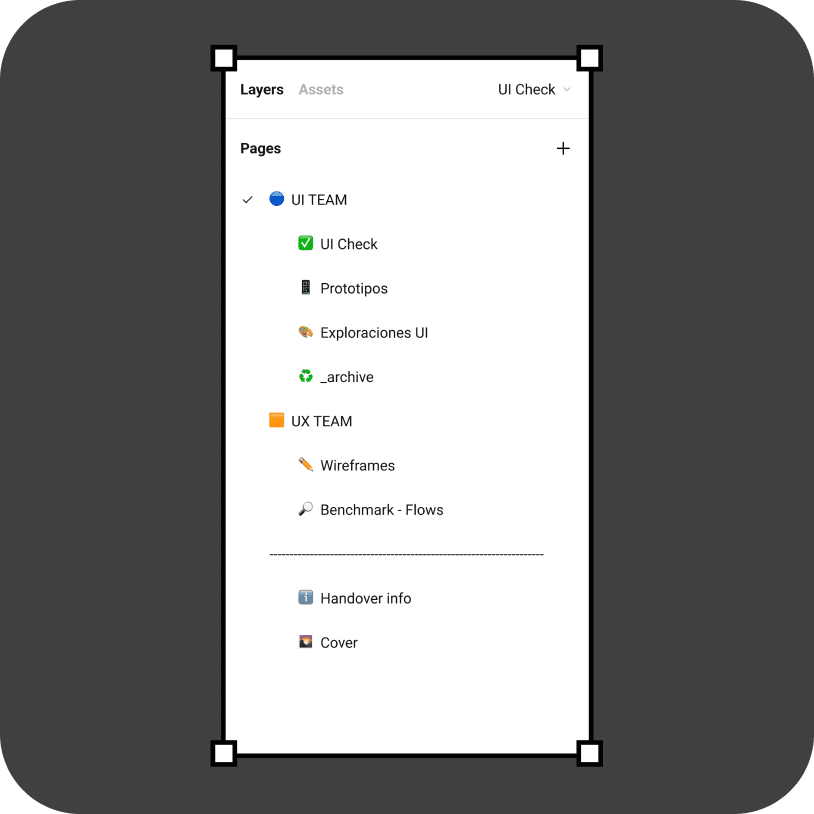
- Pages — each file divided into UI Team, UX Team, and File Information (handover, cover).
There isn't one "correct" way to structure Figma — the key was adapting the recommended architecture to how Qik actually works.
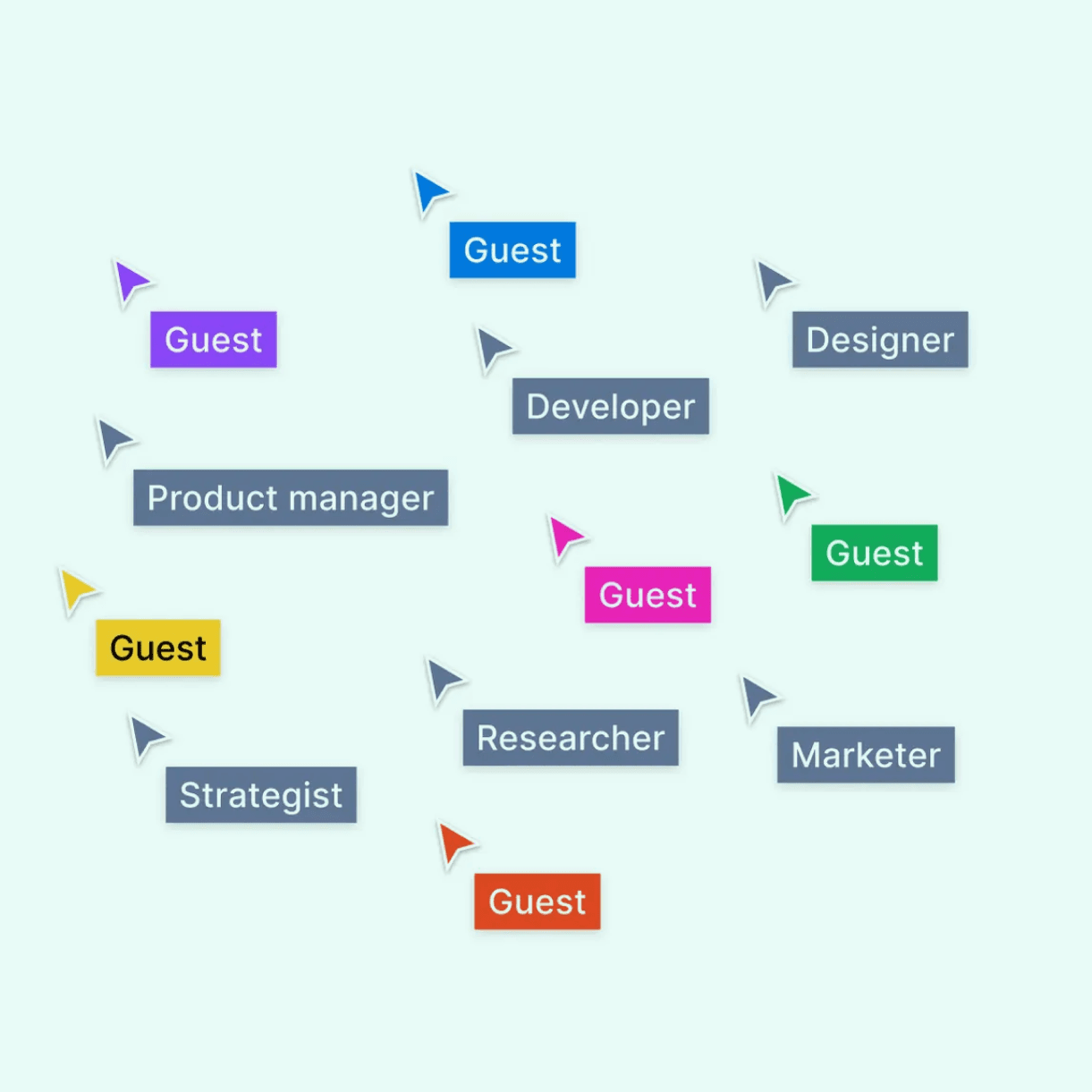
Everyone collaborates within Figma, but the Product team maintains the rules that keep the software organized.
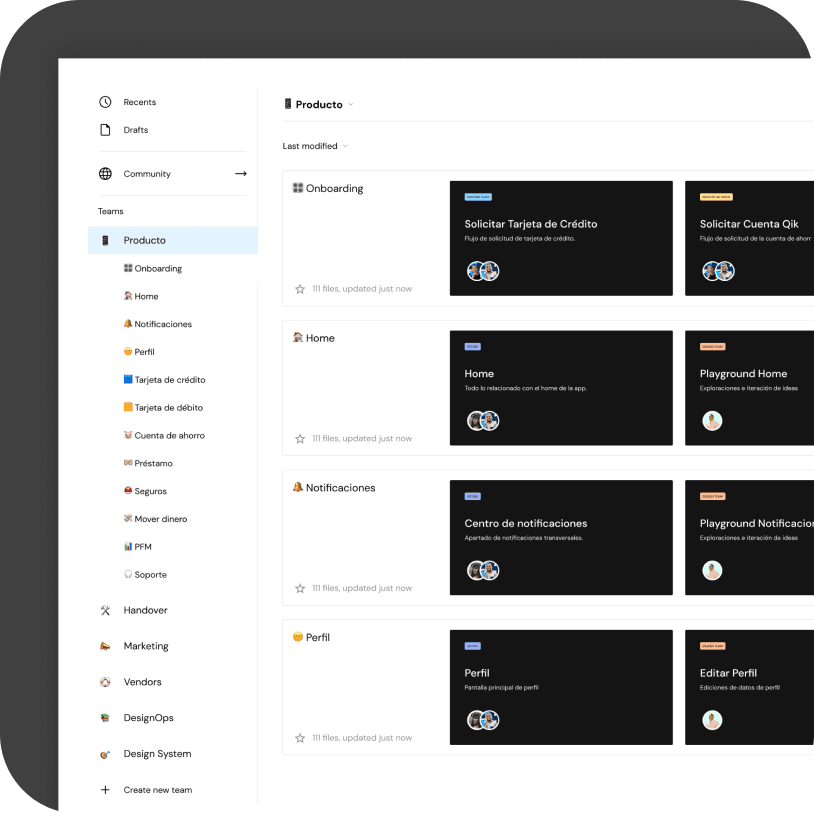
To ensure good organization, we proposed creating projects based on features, products, and teams outside Product Design.
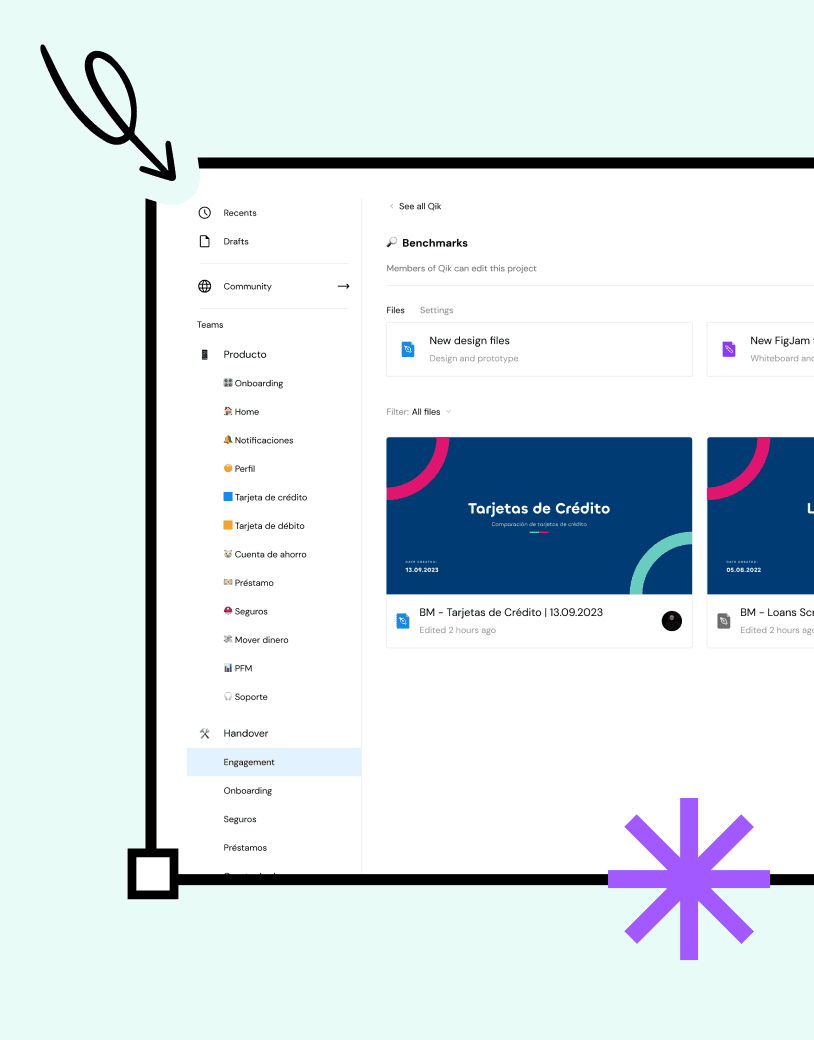
Designed so anyone can find what they need.
Design decisions
Each file was divided into clear folders: UI Team, UX Team, and the information needed for handoff to development.
On the UI side: explorations, the approved flow (UI Check), prototypes, and a discarded file to preserve the history of decisions. On the UX side: wireframes and benchmarks. And in both, a Handover Info section and a Cover with title, description, and date — so any designer, new or not, can understand the file without having to ask.

The new structure didn't change what we design — it changed how we find it and how we deliver it.
The impact
Less time lost searching for misplaced files or flows.
Clear collaboration rituals with development: planning, refinement, and evidence centralized in RFD and Jira.
Standardized handover — any designer can pick up a file and understand its status.
A foundation that gets tested, iterated, and adjusted with real team feedback — not a fixed rule.
More than a well-named folder, this gave the team a shared language to work with.
The learning
Organizing Figma taught me that structure isn't bureaucracy — it's what gives a growing team real speed.
Before this, I thought "organizing files" was a minor task compared to designing screens. Today I know it's the opposite: without an organized foundation, every new screen costs more than it should.
The most valuable part wasn't defining the structure — it was getting the team to adopt it as their natural way of working.